Introduction
Region restrictions are one of the most common issues when redeeming Xbox codes. Understanding your account region helps prevent activation errors.
How to Check Your Xbox Region
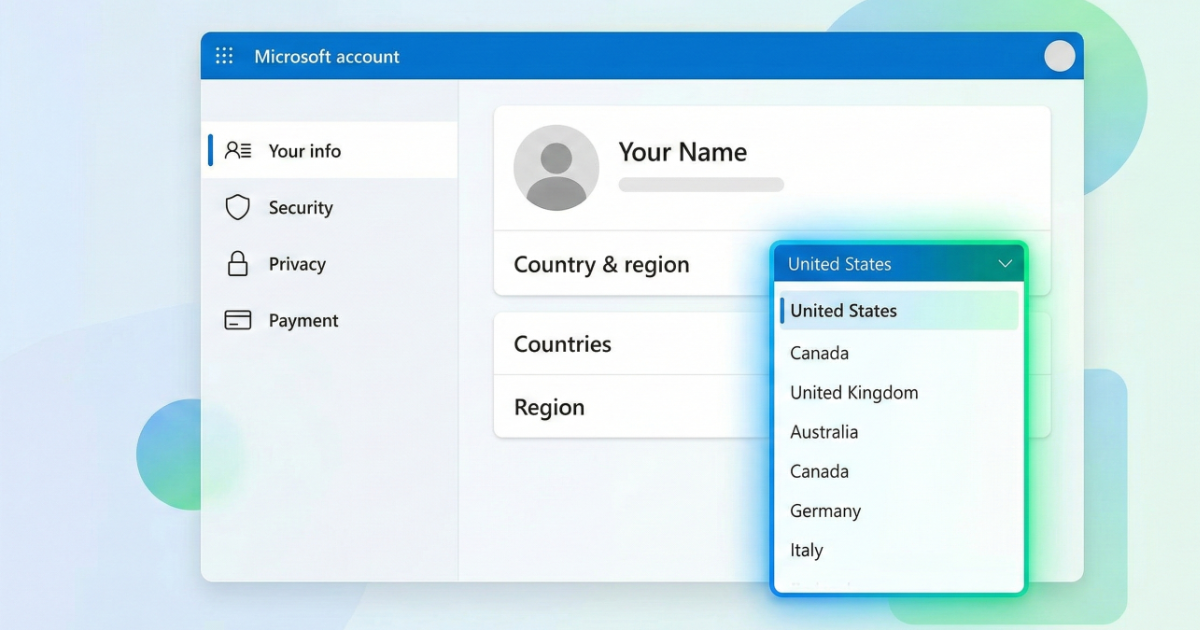
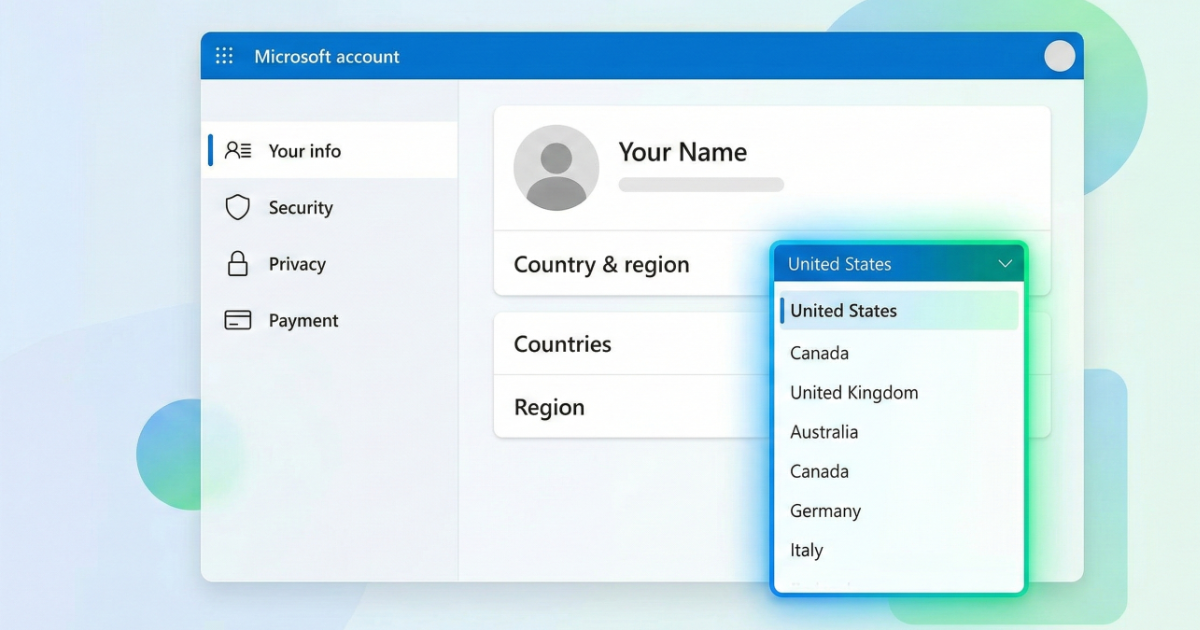
Visit account.microsoft.com → Your Info → Check Country/Region settings.
How to Change Your Region
You can change your region in Microsoft account settings, but changes may be limited.
Common Region Errors
- This code cannot be redeemed in your region
- Store region mismatch
Tips Before Purchasing
- Verify product region
- Match your account country
- Understand store currency differences
Final Thoughts
Always verify region compatibility before redeeming Xbox codes to avoid activation problems.