Introduction
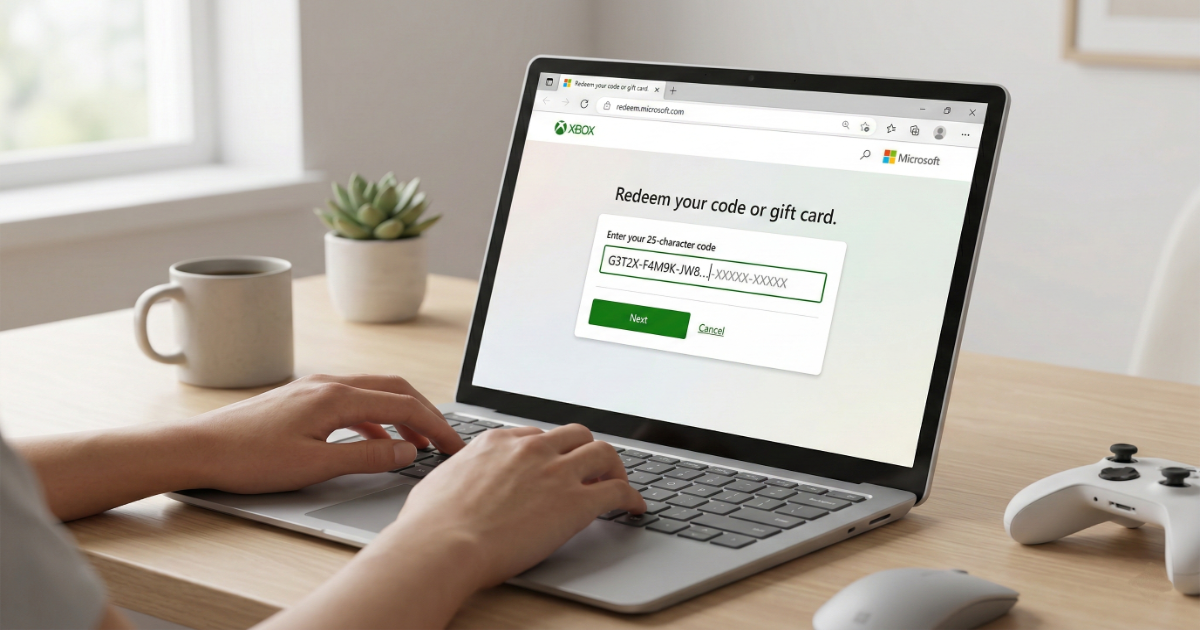
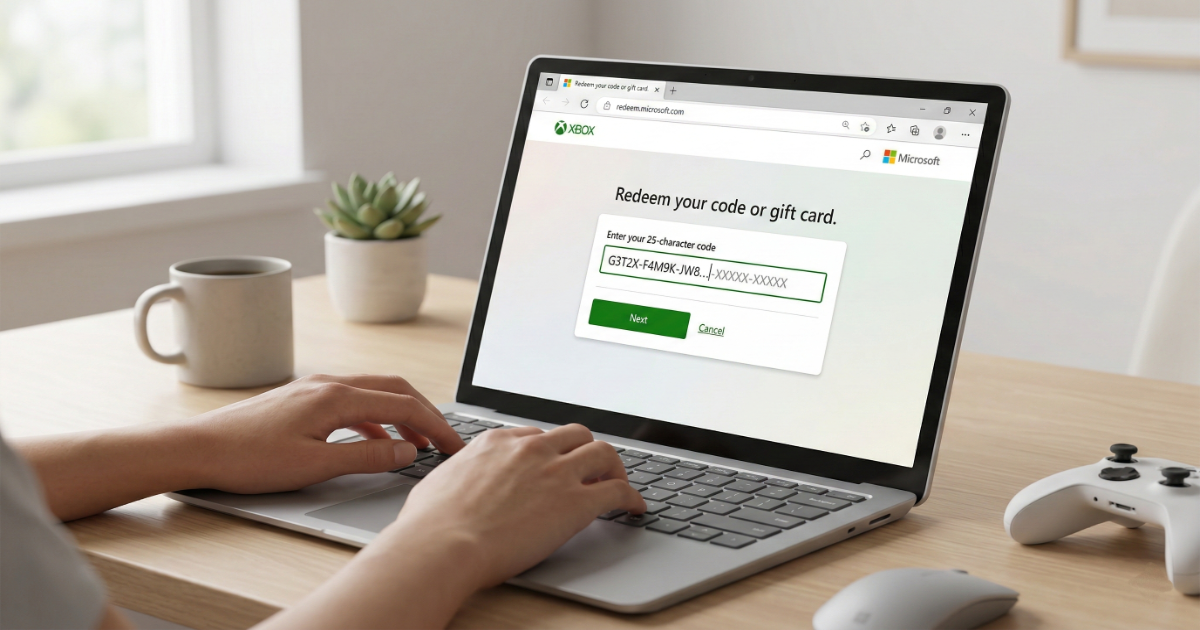
If you don’t have access to your Xbox console, you can still redeem your Xbox code online using Microsoft’s official redemption page. This method works on PC, Mac, and mobile devices.
This guide explains how to redeem Xbox game codes, Game Pass subscriptions, and gift cards directly from your browser.
What You Need Before Redeeming
- A valid 25-character Xbox code
- A Microsoft account
- Internet connection
Step-by-Step: Redeem Xbox Code Online
Step 1: Visit the Official Website
Go to https://redeem.microsoft.com in your browser.
Step 2: Sign In
Log in with the Microsoft account where you want the content activated.
Step 3: Enter Your Code
Type your 25-character code carefully:
XXXXX-XXXXX-XXXXX-XXXXX-XXXXX
Step 4: Confirm Activation
Review the product details and select Confirm. The game, subscription, or balance will instantly link to your account.
After Redeeming the Code
If you redeemed a game, it will appear in your Xbox library. If you redeemed a gift card, the balance will be added to your Microsoft wallet.
Common Errors and Solutions
Code Not Valid
Double-check spelling and ensure the code matches your account region.
Already Redeemed
Xbox codes can only be used once.
Region Restrictions
Some digital codes are region-specific. Always verify compatibility before purchase.
FAQ
Can I redeem Xbox codes on mobile?
Yes, the website works perfectly on smartphones and tablets.
Do I need an Xbox console to redeem?
No. A browser and Microsoft account are enough.
Final Thoughts
Redeeming your Xbox code online is fast and convenient. It’s the perfect option when your console is not nearby.