Introduction
If you purchased an Xbox digital code from CDGame.Shop, redeeming it on your console is quick and secure. This complete guide explains how to activate Xbox game codes, Xbox Game Pass subscriptions, and gift cards on Xbox Series X, Xbox Series S, and Xbox One.
By the end of this guide, you’ll know how to redeem your code, avoid common errors, and fix region-related issues.
What Is an Xbox Code?
An Xbox code is a 25-character digital activation code that allows you to unlock a product on your Microsoft account. It can represent:
- A full digital game
- Xbox Game Pass subscription
- Xbox gift card balance
- Downloadable content (DLC)
Once redeemed, the content is permanently linked to your Microsoft account.
How to Redeem an Xbox Code on Console
Step 1: Sign In to Your Microsoft Account
Turn on your Xbox console and ensure you are connected to the internet. Sign in using the account where you want the game or subscription activated.
Step 2: Open Microsoft Store
From the Home screen, navigate to Microsoft Store. Use the left-hand menu and select Redeem.
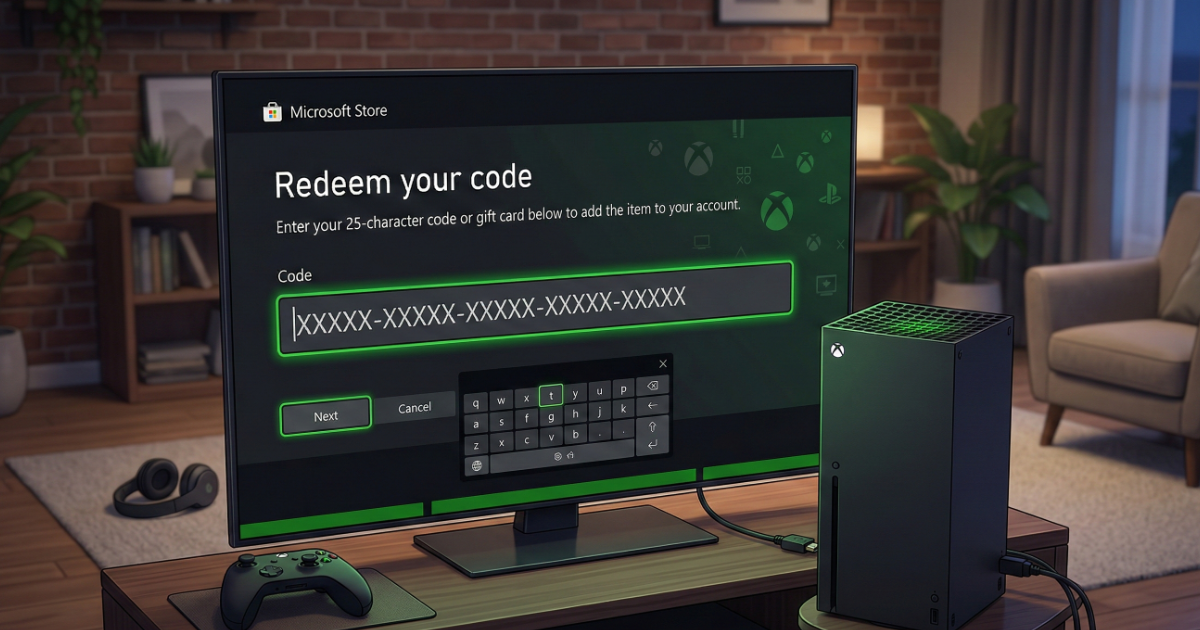
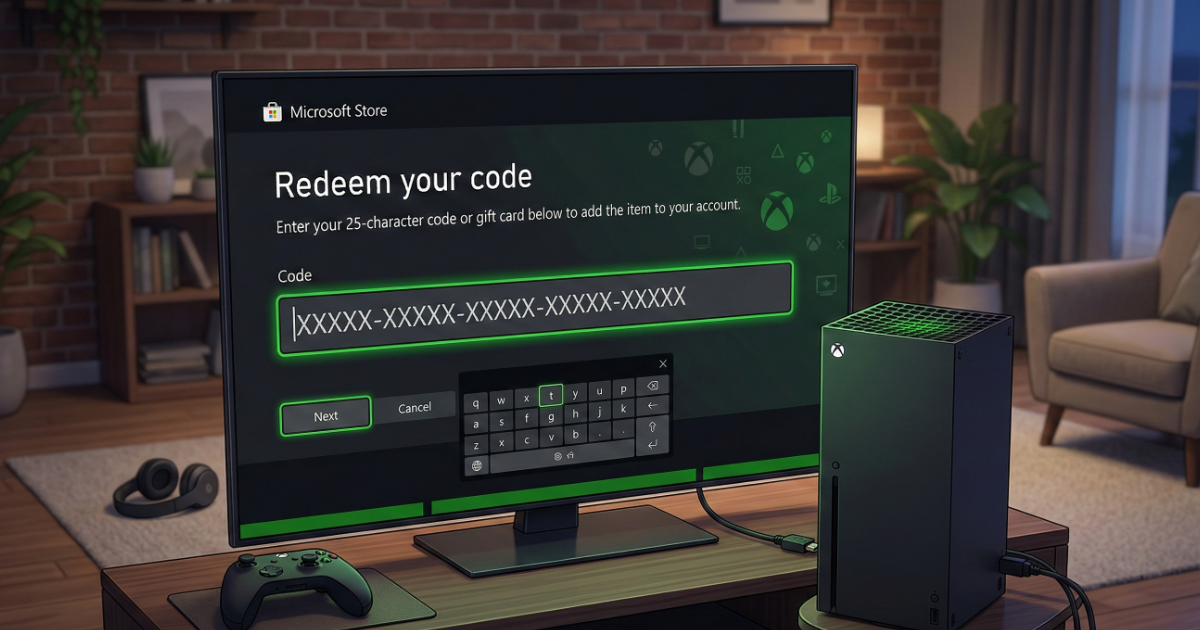
Step 3: Enter the 25-Character Code
Enter your Xbox code carefully in this format:
XXXXX-XXXXX-XXXXX-XXXXX-XXXXX
Double-check for typing mistakes before confirming.
Step 4: Confirm Activation
You will see a confirmation screen displaying the product details. Select Confirm to complete the activation.
How to Download the Game After Redeeming
After successful activation:
- Go to My Games & Apps
- Select Full Library
- Find your newly redeemed game
- Select Install
Common Xbox Code Errors and Fixes
Invalid Code Error
This usually happens due to typing mistakes. Make sure each character is entered correctly.
Code Already Redeemed
If the code was used on another account, it cannot be redeemed again.
Region Mismatch
Some Xbox codes are region-locked. Ensure your Microsoft account region matches the code region before redeeming.
Can You Redeem Xbox Codes Without a Console?
Yes. You can redeem your Xbox code online at redeem.microsoft.com using a PC or mobile device.
Tips Before Buying an Xbox Code
- Always check region compatibility
- Verify the product type (Game, Game Pass, Gift Card)
- Redeem the code on the correct Microsoft account
Frequently Asked Questions (FAQ)
Are Xbox codes permanent?
Yes. Once redeemed, the product stays permanently on your account.
Can I transfer a redeemed Xbox game?
No. Digital games are linked to the account that redeemed them.
Do Xbox codes expire?
Most digital game codes do not expire, but gift cards may vary by region.
Final Thoughts
Redeeming an Xbox code on console is simple and secure. Follow the steps above, verify your region settings, and your content will be ready to download instantly.