Introduction
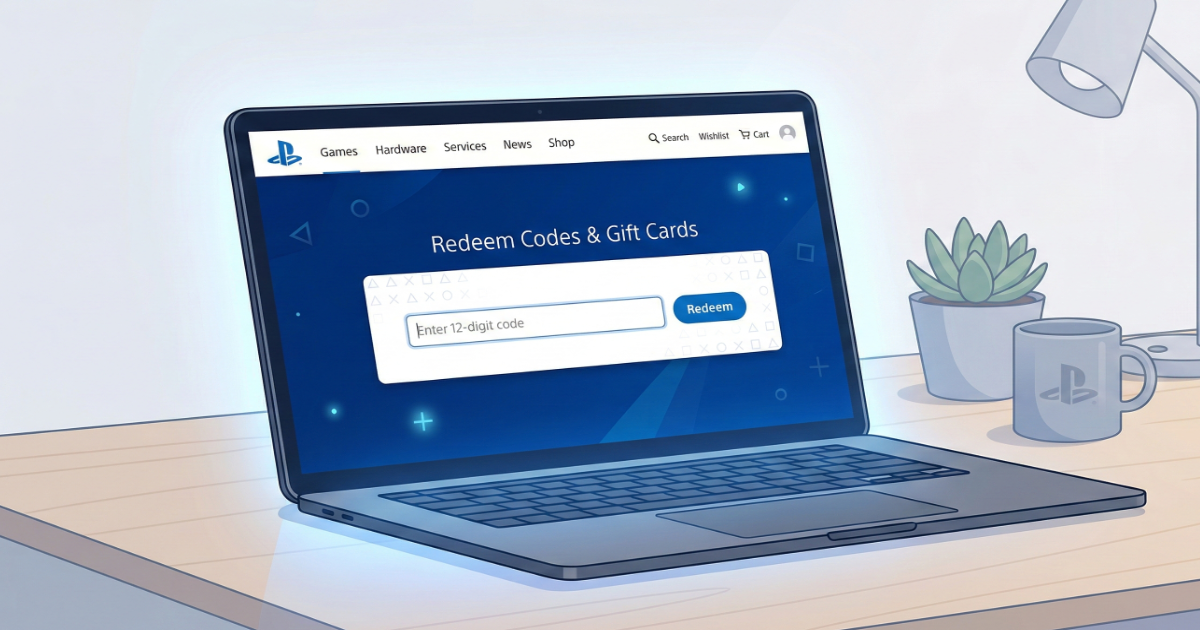
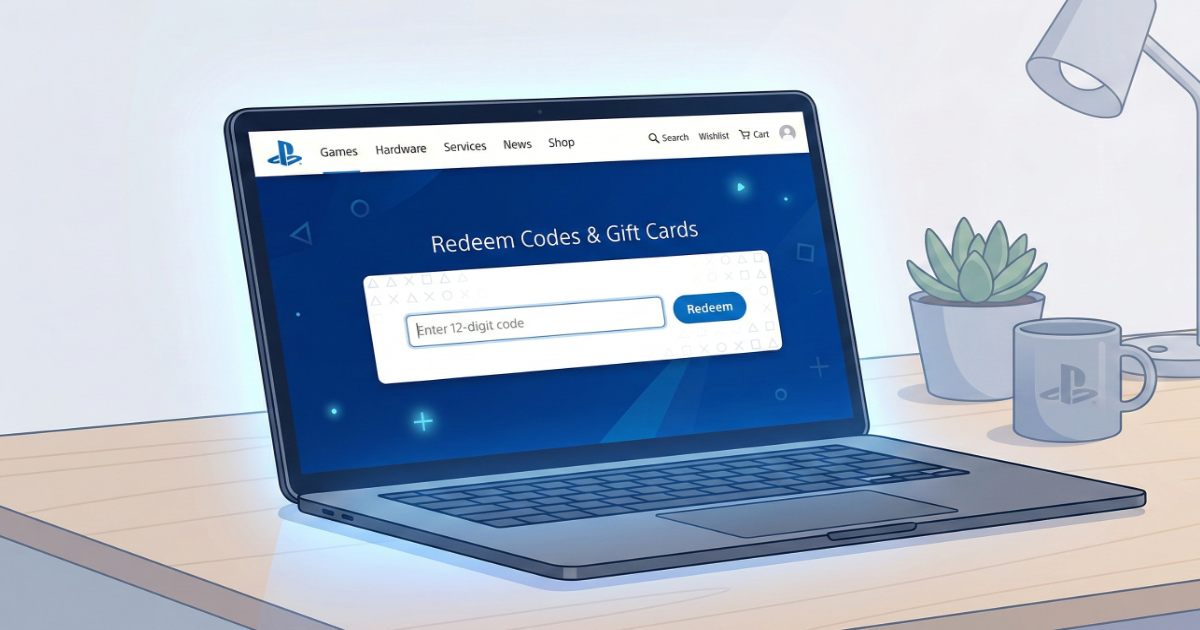
You can redeem PlayStation codes without turning on your console by using the official PlayStation website.
Step 1: Visit PlayStation Store Website
Go to store.playstation.com and sign in to your PSN account.
Step 2: Access Redeem Section
Click on your profile icon and select “Redeem Codes”.
Step 3: Enter Your 12-Digit Code
Type your voucher code carefully and confirm activation.
What Happens After Redeeming?
- Gift card balance is added instantly
- Games appear in your library
- Subscriptions activate immediately
Common Issues
Region mismatch is the most common issue when redeeming PSN codes online.
Final Thoughts
The browser method is fast and convenient if your console is not nearby.