Introduction
If you purchased a PlayStation digital code from CDGame.Shop, you can redeem it directly on your PS5 or PS4 console in just a few simple steps.
This guide explains how to activate PlayStation gift cards, full games, DLC content, and PlayStation Plus subscriptions safely.
What Is a PlayStation Code?
A PlayStation code is a 12-digit digital voucher that adds content or wallet balance to your PSN account.
- PSN Gift Cards
- Full Digital Games
- DLC & Add-ons
- PlayStation Plus Subscription
How to Redeem a PlayStation Code on PS5
Step 1: Sign In to Your PSN Account
Turn on your PS5 and log in using your PlayStation Network account.
Step 2: Open PlayStation Store
Go to the PlayStation Store icon from the home screen.
Step 3: Select Redeem Code
Scroll down the left sidebar and choose “Redeem Code”.
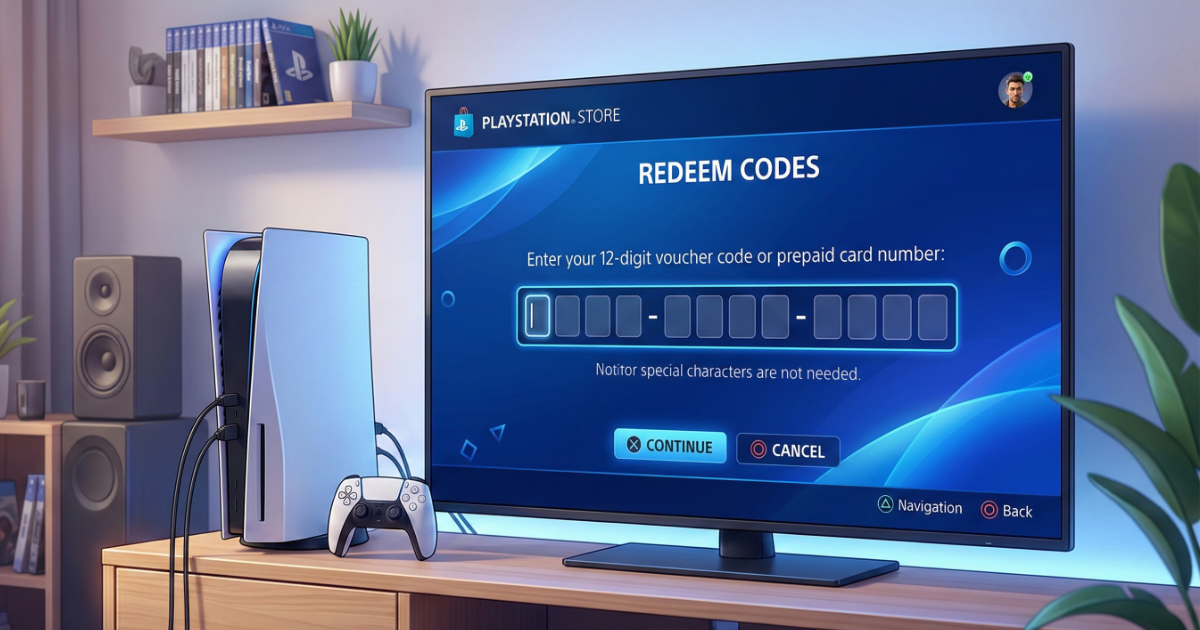
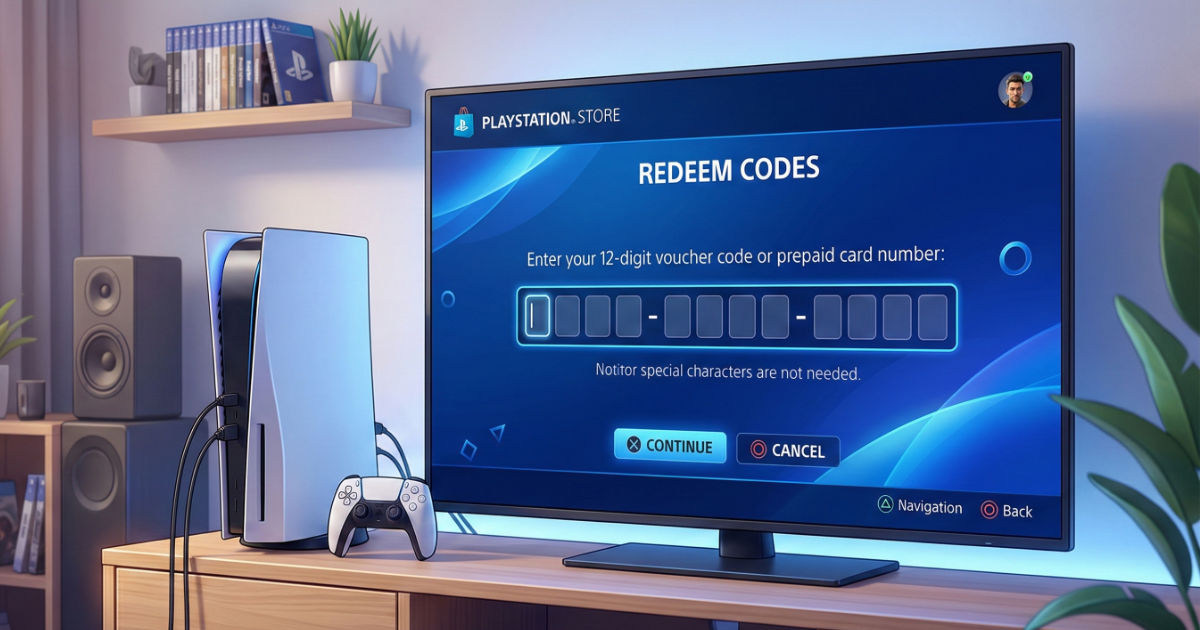
Step 4: Enter Your 12-Digit Code
Enter the voucher carefully and confirm.
How to Redeem on PS4
On PS4, open PlayStation Store → Scroll to the bottom → Select Redeem Codes → Enter your 12-digit code → Confirm.
Common Errors and Fixes
Code Already Used
PlayStation codes can only be redeemed once.
Invalid Code
Check for typing errors or region mismatches.
Region Restriction
PSN codes are region-locked. Your account region must match the voucher region.
FAQ
Do PSN codes expire?
Most wallet codes do not expire, but promotional codes might.
Can I transfer a redeemed game?
No. Digital content is permanently linked to your PSN account.
Final Thoughts
Redeeming a PlayStation code is quick and secure when done correctly. Always verify region compatibility before purchasing.