Introduction
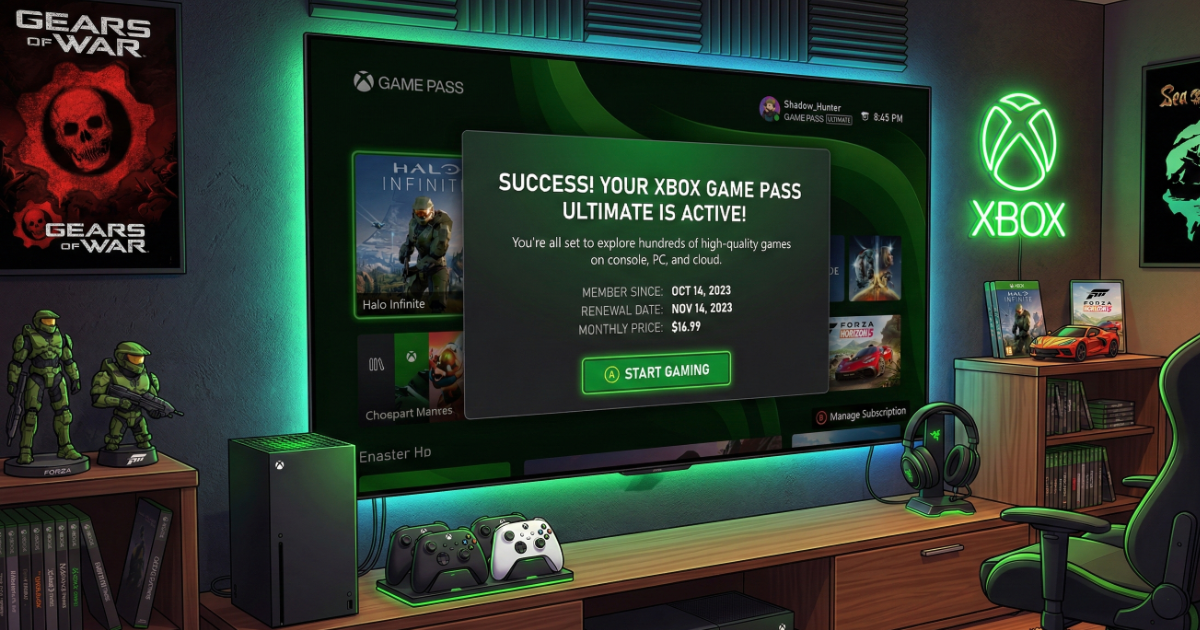
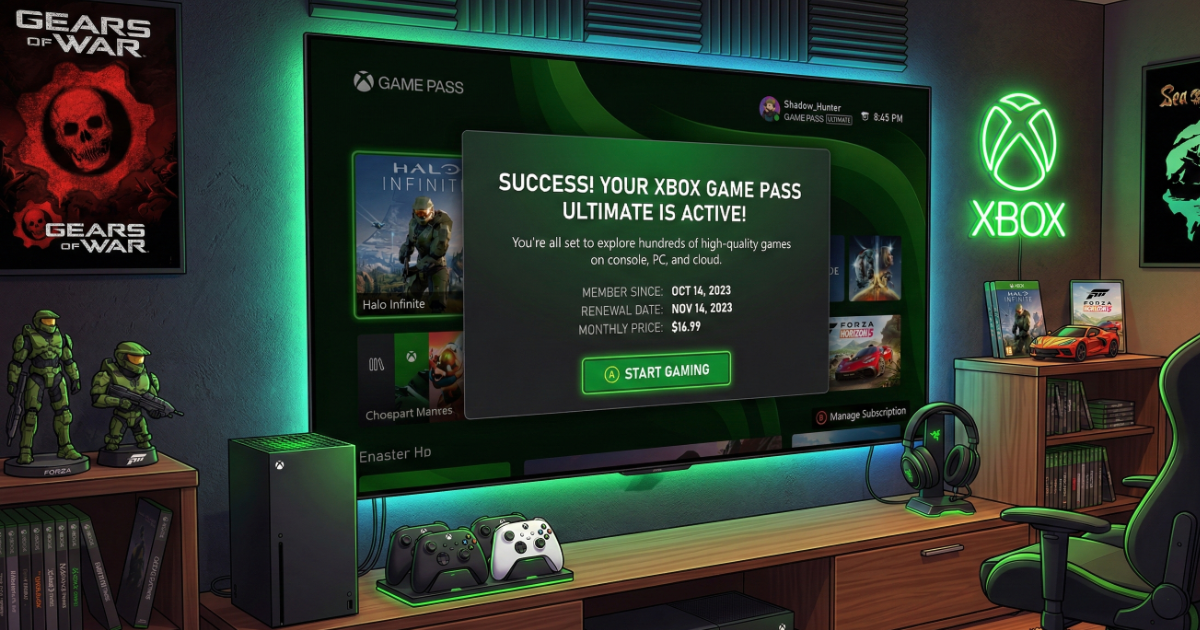
Xbox Game Pass gives you access to hundreds of games for a monthly subscription. Activating your Game Pass code takes only a few minutes if done correctly.
What Types of Game Pass Codes Exist?
- Game Pass Ultimate
- Game Pass Core
- PC Game Pass
How to Redeem a Game Pass Code
Method 1: Using Your Console
Open Microsoft Store → Select Redeem → Enter your 25-character code → Confirm.
Method 2: Using a Browser
Go to redeem.microsoft.com → Sign in → Enter code → Confirm.
Important: Stacking Rules
Microsoft allows stacking subscription time, but there may be limits depending on your region.
Common Issues
- Region mismatch
- Subscription conversion rate differences
- Existing active subscription conflicts
FAQ
Can I stack multiple Game Pass codes?
Yes, but Microsoft may apply a maximum limit.
Does Game Pass activate instantly?
Yes, once confirmed, access begins immediately.
Final Thoughts
Game Pass activation is simple and gives instant access to a massive game library.